
How to download or uninstall Sangho App
Download Sangho App
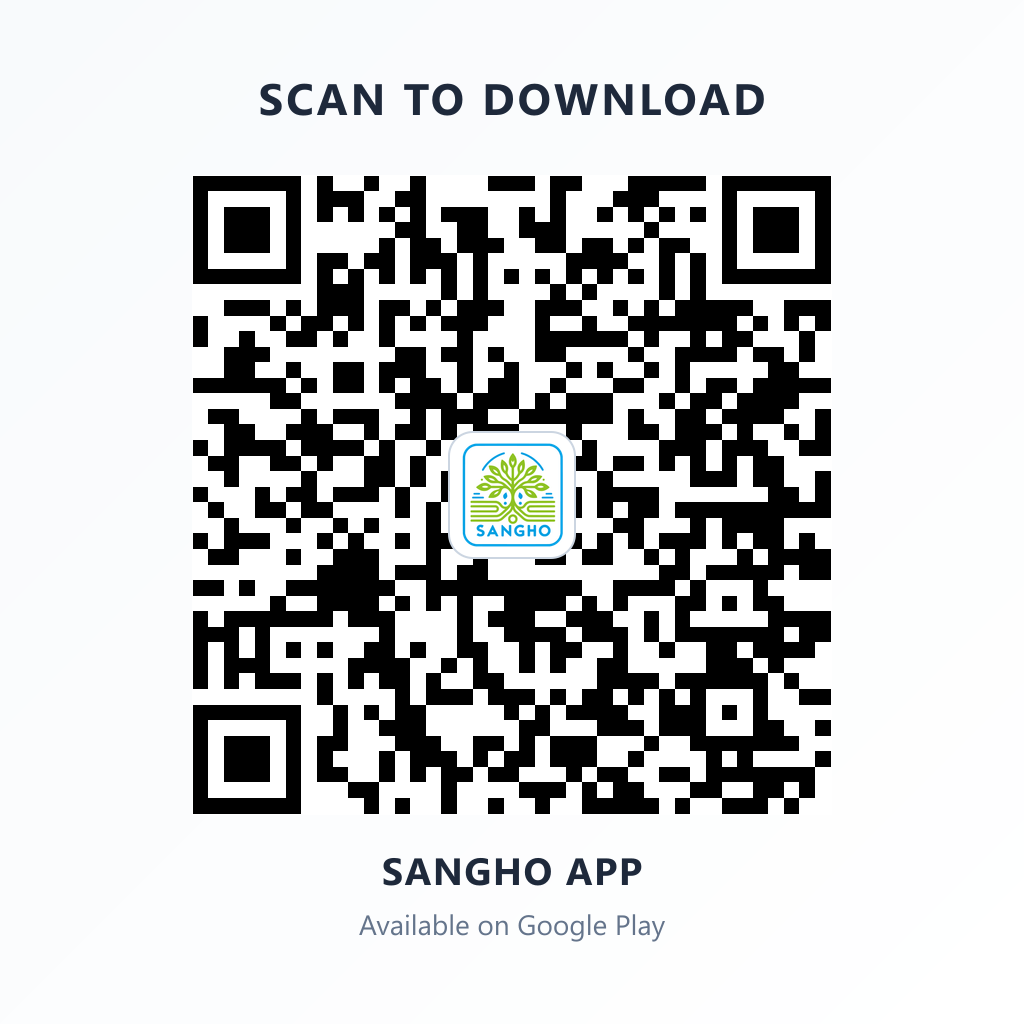
Scan the QR code with your phone's camera and tap the link to be taken to the Sangho App download page on the Play Store.
- Open the Google Play Store on your Android phone.
- In the search bar, type Sangho App.
- Tap the Sangho App result, then tap Install.
- Wait for the download to complete (requires Android 8.0 or higher).
- Once installed, tap Open or find the Sangho icon on your home screen.
Uninstall Sangho App
- Go to your device Settings.
- Tap Apps > Sangho > Uninstall > Uninstall to remove Sangho and all of its data.